
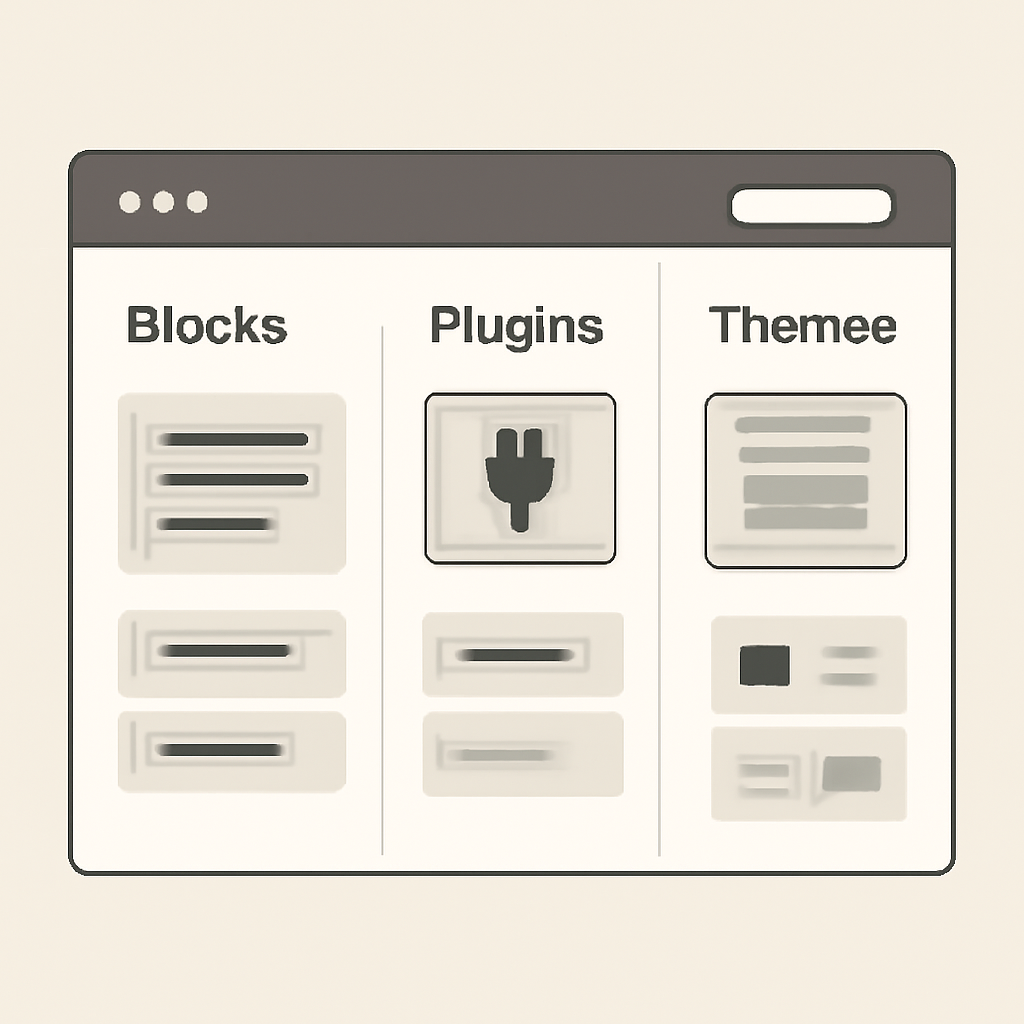
WordPress is a flexible content management system (CMS) that lets people build sites ranging from simple blogs to full-featured business platforms. It combines a core application with an ecosystem of themes and plugins that control appearance and add functionality, so non-developers and developers alike can shape sites to fit a wide range of needs.
Two ways to use WordPress
There are two common paths: self-hosted WordPress (the open-source package you install on your own hosting) and hosted WordPress services (where a provider runs the software for you). The self-hosted option gives maximum control—you choose the server, install plugins and themes, and manage updates. Hosted services trade control for convenience by handling backups, security, and updates for you.
How WordPress is built
- Core: The WordPress core is written in PHP and provides the content-management features and APIs that themes and plugins rely on.
- Database: Content and configuration are stored in a database; WordPress commonly uses MySQL or MariaDB.
- Themes: Control the look and layout of a site. Themes can be lightweight or include page-builder integrations for drag-and-drop design.
- Plugins: Extend functionality—everything from contact forms and e-commerce to performance and SEO.
- Editor: Modern WordPress uses a block-based editor that treats paragraphs, images, and design elements as reusable “blocks,” making visual editing more flexible.
Technical requirements and updates
WordPress runs on a web server that supports PHP and a supported database engine. Hosts typically recommend recent PHP and database versions for performance and security. Regular core, theme, and plugin updates are essential: they deliver security fixes, performance improvements, and compatibility with newer server software.
Security and performance basics
- Run a recent supported PHP and database version and enable HTTPS.
- Keep core, themes, and plugins updated. Test updates on a staging site when possible.
- Limit plugins to what you need; quality matters more than quantity.
- Use reputable hosting and consider managed WordPress hosting if you prefer hands-off maintenance.
- Back up both files and the database regularly and verify restore procedures.
Choosing the right approach
If you want full control and the ability to customize deeply, self-hosted WordPress is the typical choice. If you prefer to avoid server maintenance, a hosted WordPress plan or managed provider can save time and reduce operational risk. Consider your budget, technical comfort, and long-term needs—e-commerce, membership features, and high traffic each influence the optimal setup.
Getting started checklist
- Decide between self-hosted or hosted service.
- Pick a host that supports modern PHP and offers regular backups.
- Choose a lightweight, well-supported theme and only essential plugins.
- Set up automatic updates where feasible and schedule manual reviews for major upgrades.
- Enable HTTPS and configure regular security scans and backups.
WordPress remains a practical choice for people who want a balance of ease, extensibility, and control. With a few sensible hosting and maintenance decisions, it can scale from a one-page site to a complex online business.

