
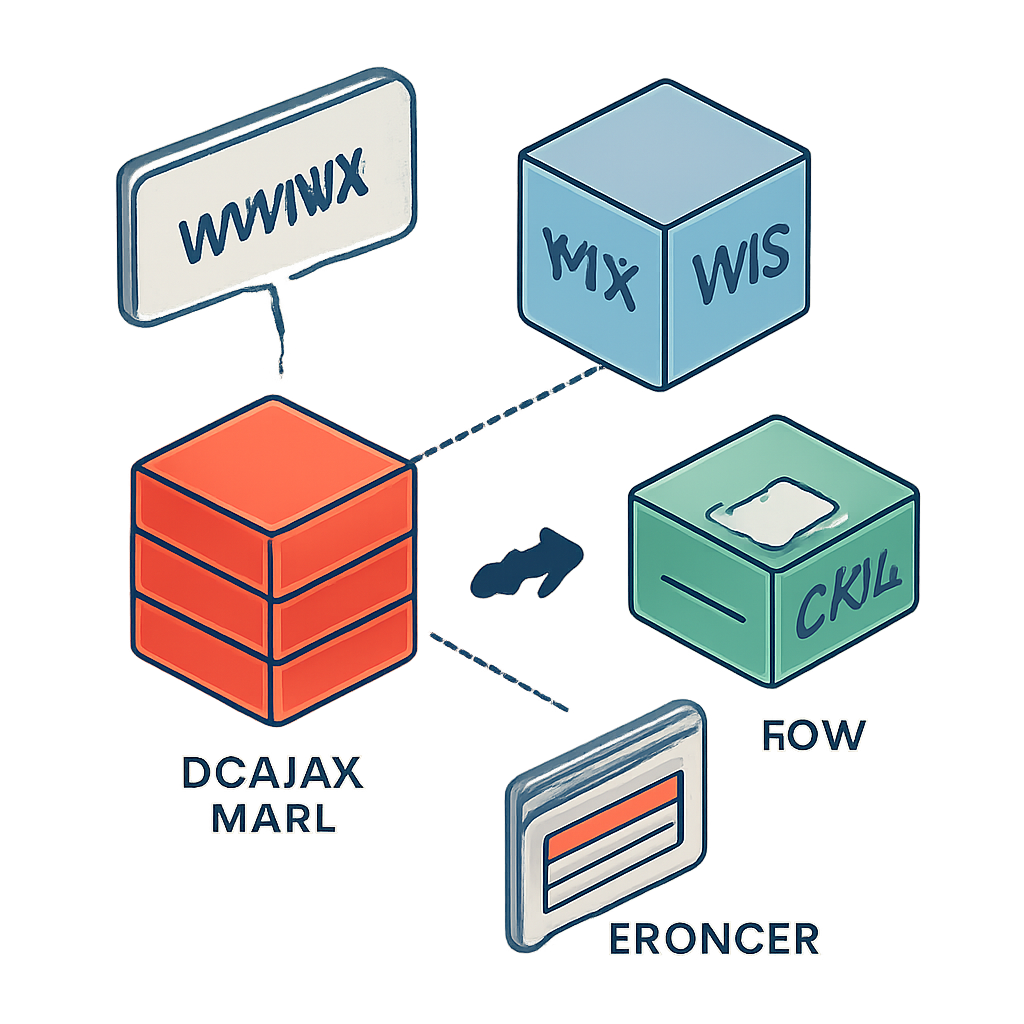
Every website you visit is the result of several systems working together: a human-friendly domain name, a network that translates that name to a server address, software that stores and serves files, and a browser that renders those files into a page you can read and interact with.
Domain names and DNS
A domain name is the readable address you type into a browser. The Domain Name System (DNS) maps that name to the numerical IP address of the server that hosts the site. When you enter a URL, your device asks DNS resolvers to look up the correct address so the browser can connect to the right server.
Hosting and servers
Web hosting means storing a site’s files (HTML, CSS, images, scripts) on one or more servers that are connected to the internet. Hosts come in many forms: shared servers that hold many sites, virtual private servers and dedicated machines, and modern cloud or edge platforms that scale on demand. Some platforms combine hosting with content delivery networks (CDNs) to push files closer to visitors and reduce load times.
HTTP, browsers, and rendering
Browsers use the Hypertext Transfer Protocol (HTTP/HTTPS) to request resources from a server. A typical page load follows this flow: the browser requests an HTML document, parses it to discover linked assets (stylesheets, scripts, images), requests those assets, and then constructs a render tree to display the page. HTTPS adds an encrypted transport layer (TLS) so content and user data are protected in transit.
Content management and building a site
Content Management Systems (CMS) let non‑technical users create and update pages through an editor rather than by editing files directly. Popular CMS platforms include systems built for full sites as well as hosted site builders; the landscape is diverse, with some technologies optimized for blogs, others for e-commerce, and others for headless or decoupled architectures where the content backend is separate from the frontend.
Security and performance basics
Key practical steps that affect real‑world reliability and trust include using HTTPS/TLS, applying regular software updates, running regular backups, limiting who can access administrative interfaces, and using CDNs or caching to speed delivery. Performance and security are ongoing maintenance tasks, not one‑time checkboxes.
Quick checklist to launch a simple site
- Choose and register a domain name.
- Pick hosting appropriate to your traffic and technical needs (shared, VPS, managed, or cloud).
- Install or configure a CMS or site builder, or deploy static files from a repository.
- Enable HTTPS/TLS and set up DNS records to point the domain to your host.
- Test on different devices and use a CDN or caching to improve load times.
- Set up backups and establish an update/security routine.
Understanding these moving parts makes it easier to troubleshoot problems and make informed choices about cost, control, and complexity when you build or maintain a site.

