
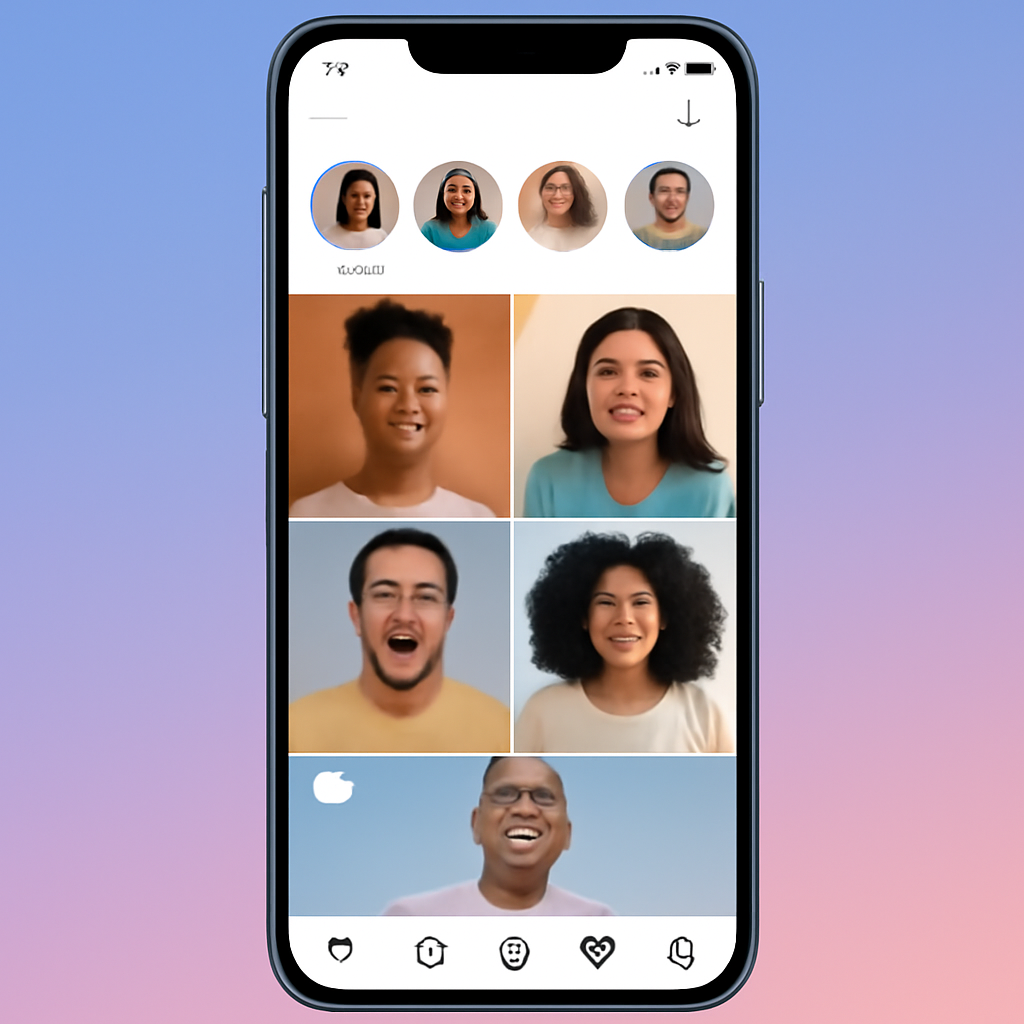
Instagram combines simple photo sharing with increasingly powerful tools for short video, shopping and professional publishing. Whether you use it to stay in touch, promote a small business, or build a creator audience, understanding how the app is structured and which tools are available will help you use it more effectively and safely.
Core features and content types
The app revolves around a few content formats: Feed posts (photos and single or carousel images), Stories (short-temporary posts that vanish after 24 hours unless saved), Reels (short, full-screen videos optimized for discovery), and Live broadcasts. Direct messaging and a Discover/Explore tab surface content tailored to your interests. Over the past several years the platform has shifted strongly toward short-form video, so Reels are now central to reach and discovery.
Account types and when to switch
- Personal: best for private use and friends and family.
- Professional (Business or Creator): provides analytics, contact options, promotional tools and access to commerce and monetization features. Choose Business if you sell products or need store integrations; choose Creator if you focus on audience building and branded partnerships.
Monetization and commerce options
Creators and businesses can earn or sell directly on the platform. Options include in-app shops and product tags, creator-focused selling tools, subscriptions and paid features for followers, and advertising placements (including ads inside Reels). Many monetization programs require eligibility and regional availability; creators typically need to meet policy and community standards to participate.
How the algorithm shapes visibility
Instagram uses engagement signals and content attributes to decide what to show users. Short, highly watchable Reels often get prominent placement in Explore; consistent posting, strong first few seconds of video, and content that encourages watch time and interaction improve reach. For Feed posts, timely engagement (likes, comments, saves, shares) helps visibility to followers.
Practical posting tips
- Favor Reels for discovery: short, fast-paced clips perform well in algorithmic feeds.
- Use Stories for in-the-moment updates and to link or promote new posts.
- Keep captions clear and include a call to action (save, share, comment) to boost engagement.
- Test formats and track performance with the account’s insights dashboard; let data guide what you repeat.
Safety, privacy and time tools
Instagram offers account privacy controls (public vs. private), comment and mention filters, options to restrict or block users, and tools aimed at reducing compulsive use—such as time reminders and features that nudge users to take a break after extended scrolling. There are also parental supervision and family tools to let guardians set limits and view activity for teen accounts in supported regions.
Verification and policy basics
A verified badge and paid verification programs exist in various markets; eligibility criteria and application methods are handled inside the app. Community rules and content policies govern what is allowed; repeated policy violations can limit access to features or result in account restrictions.
Deciding whether Instagram is right for you
Instagram is useful for visual storytelling, short-form video audiences, and direct shopping experiences. For individuals it’s a place to follow interests and friends; for creators and businesses it can be an effective channel for discovery and sales if you invest in consistent, audience-focused content and use the platform’s analytics and commerce tools.
Start small: pick one format (Reels or Feed), post consistently for a month, review insights, and then expand into Stories, Live or Shops as your goals and audience grow.

