
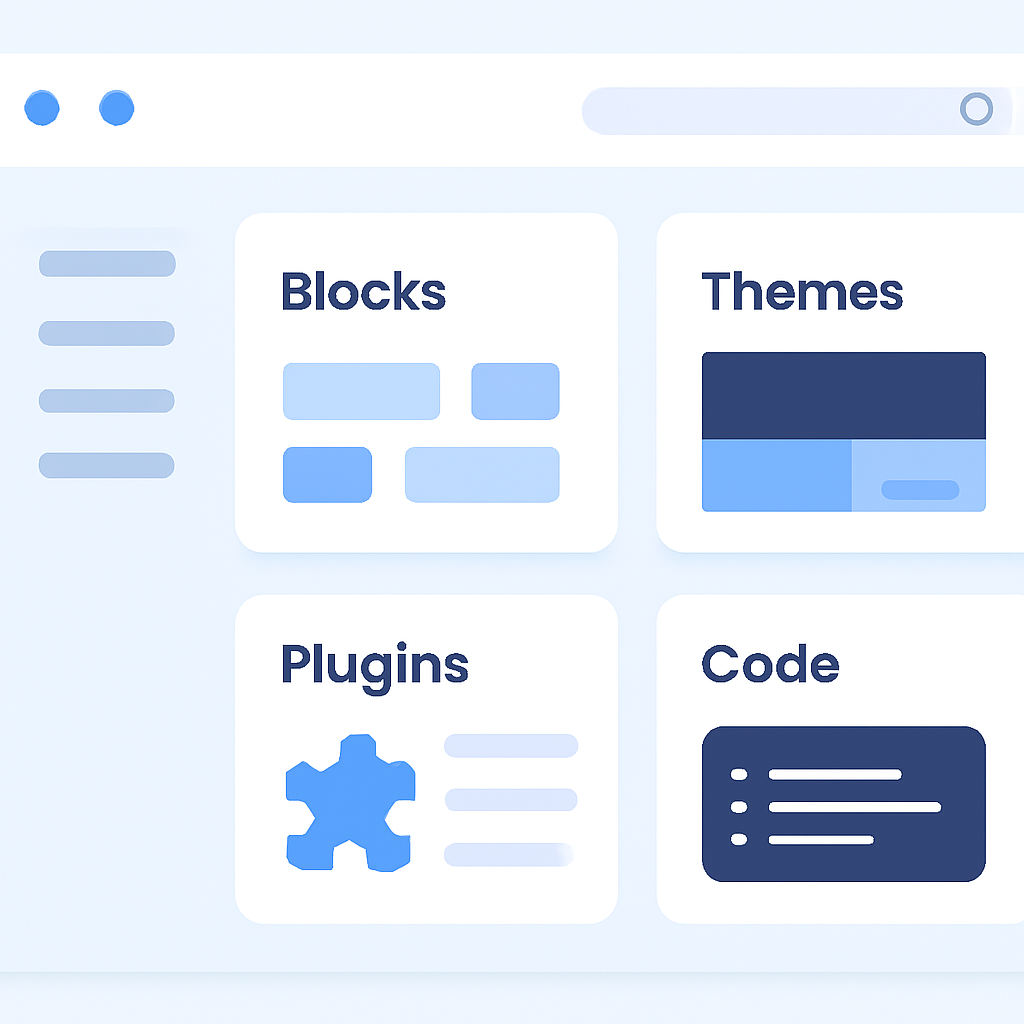
WordPress is a flexible, widely used content management system (CMS) that lets people build websites without starting from scratch. It scales from single-page blogs to large editorial sites and stores, and its ecosystem of themes and plugins means most common website needs can be met without custom engineering.
What WordPress actually is
At its core WordPress is free, open-source software released under a permissive GPL license. That openness lets anyone download, modify, and redistribute the software; it also supports a broad community of independent contributors, agencies, and commercial companies that build themes, plugins, and hosting services around the project.
Core parts you should know
- The block editor and site editor — WordPress uses a block-based editor that treats content and layout as modular blocks; modern block themes and the site editor let you edit global templates and style settings without code.
- The plugin and theme ecosystem — Functionality is usually added with plugins (plugins can add commerce, forms, analytics, caching, etc.) while themes control presentation. A large marketplace of open and paid options makes customization fast but requires careful selection.
- Developer APIs — A full REST API and other internal APIs let developers build headless front ends, mobile apps, or custom integrations that talk to WordPress content programmatically.
- Multisite and automation — Built-in multisite supports networks of sites from one install, and command-line tooling (WP-CLI) enables scripting, CI/CD, and bulk operations for developers and operations teams.
Who uses WordPress and how common is it
WordPress powers a large slice of the public web: its usage spans personal blogs, small-business websites, membership sites, and large publisher platforms. Estimates from independent web-technology surveys show WordPress still powers roughly four in ten websites (methodologies vary, so totals can differ), and other commercial trackers report tens of millions of active WordPress sites.
Strengths and trade-offs
Strengths include speed of deployment, a huge plugin/theme ecosystem, and strong community support. Trade-offs center on ongoing maintenance and security: relying on many third-party plugins increases update surface area and can introduce compatibility or vulnerability risks. Performance at scale requires careful hosting choices, caching, and optimization.
Quick checklist if you’re evaluating WordPress
- Choose hosting that matches your needs (shared, managed WordPress hosting, or cloud infrastructure for scale).
- Prefer well-maintained plugins and themes with recent updates and active support.
- Automate backups and updates where possible; keep PHP and database engines current.
- Use security basics: least-privilege accounts, strong passwords or SSO, an application firewall, and rate-limiting for login endpoints.
- Optimize for speed: image compression, caching, and a CDN for global delivery.
- Consider headless setups if you need a decoupled frontend or high-performance static delivery.
WordPress remains a pragmatic choice for many projects because it balances developer extensibility with a large ecosystem that accelerates delivery. Whether it’s the right choice depends on long-term maintenance willingness, desired performance profile, and whether you prefer opinionated, hosted site builders or a self-hosted, extensible platform.

