
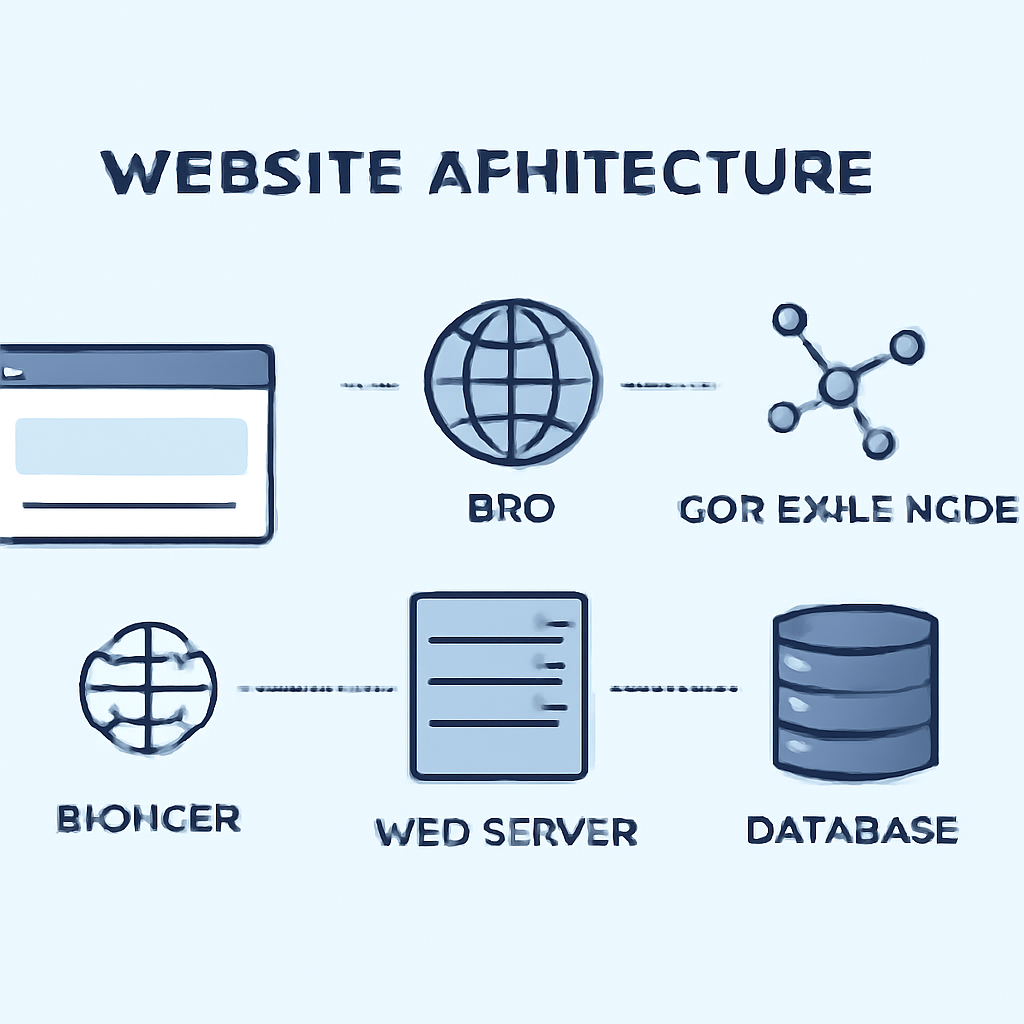
Every website is a system of parts working together to turn code into a usable page on your screen. Understanding those parts helps you make sites that load quickly, stay secure, and work for more people.
Basic flow: from address to page
Typing a web address in your browser starts a chain of events. The browser asks the Domain Name System (DNS) to translate the human-friendly name into an IP address. That address points to a server that accepts an HTTP(S) request and returns files: an HTML document plus CSS, JavaScript, images, and other resources. The browser parses those files, applies styles and scripts, and paints the visible page.
Core components
- Domain and DNS – A domain is the site name people type. DNS maps that name to the server that hosts the site.
- Hosting / web server – The physical or virtual machine that stores files and runs server software to respond to requests.
- Frontend – HTML structures content, CSS styles it, and JavaScript adds interactivity in the user’s browser.
- Backend – Server-side code and databases handle business logic, user accounts, and persistent data; they produce HTML or JSON for the frontend.
- Storage and databases – Where dynamic content, user data, and files are stored and retrieved by the backend.
- Delivery layer – CDNs, caches, and edge networks speed delivery by storing copies closer to users.
- Security – TLS (HTTPS) encrypts traffic; application-level protections defend against common attacks.
Performance and delivery
Fast sites rely on two ideas: reduce what must travel, and move it closer to users. Content Delivery Networks (CDNs) cache static assets on geographically distributed servers so visitors retrieve data from a nearby location instead of a distant origin server. Caching policies, compressed assets, optimized images, and minimizing blocking JavaScript are practical levers that improve load times and perceived responsiveness.
Security essentials
Encrypting connections with TLS (seen as HTTPS in the address bar) prevents eavesdropping and tampering. Web applications must also follow secure coding practices to avoid injection, cross-site scripting, broken authentication, and other common vulnerabilities. Regular updates, least-privilege access, and automated scanning or testing help reduce risk.
Accessibility and standards
Standards and guidelines describe how to make content usable for people with diverse needs. Semantic HTML, clear navigation, keyboard operability, sufficient color contrast, and properly labeled controls help screen readers and assistive technologies provide a reliable experience. Following standards also improves long-term maintainability and legal compliance in many jurisdictions.
Practical checklist for site owners
- Use a registered domain and authoritative DNS with redundancy.
- Serve the site over HTTPS and renew certificates automatically.
- Enable a CDN and sensible caching for static assets.
- Optimize images and defer non-critical scripts to speed rendering.
- Follow secure development practices and scan for common vulnerabilities.
- Build with accessibility in mind; validate against recognized guidelines.
- Monitor uptime, performance, and error logs to catch problems early.
Knowing how the pieces fit gives you control: choose hosting and delivery that match your audience, protect user data with layered defenses, and design experiences that load quickly and work for everyone.

