
What HTML is and why it matters
HTML (HyperText Markup Language) is the foundation of every web page: a markup language that describes content and structure so browsers can render text, images, links, forms and media. It does not control presentation (that’s CSS) or behavior (that’s JavaScript); instead it provides the semantic skeleton that CSS and JS enhance.
Semantics—using tags that describe meaning rather than only appearance—helps browsers, search engines, and assistive technologies understand content. Using proper elements rather than generic containers improves usability, search indexing, and long-term maintainability.
Basic document structure
A minimal HTML document includes a doctype declaration, an <html> root with a language attribute, a <head> for metadata, and a <body> for visible content. The simple declaration <!DOCTYPE html> tells browsers to use standard parsing rules and prevents quirks-mode rendering.
Head elements typically include the page title, character-set declaration, viewport rules for responsive layout, links to stylesheets, and scripts that must load early. The body contains headings, paragraphs, lists, images, forms, and other elements that make up the page.
Semantic HTML and accessibility
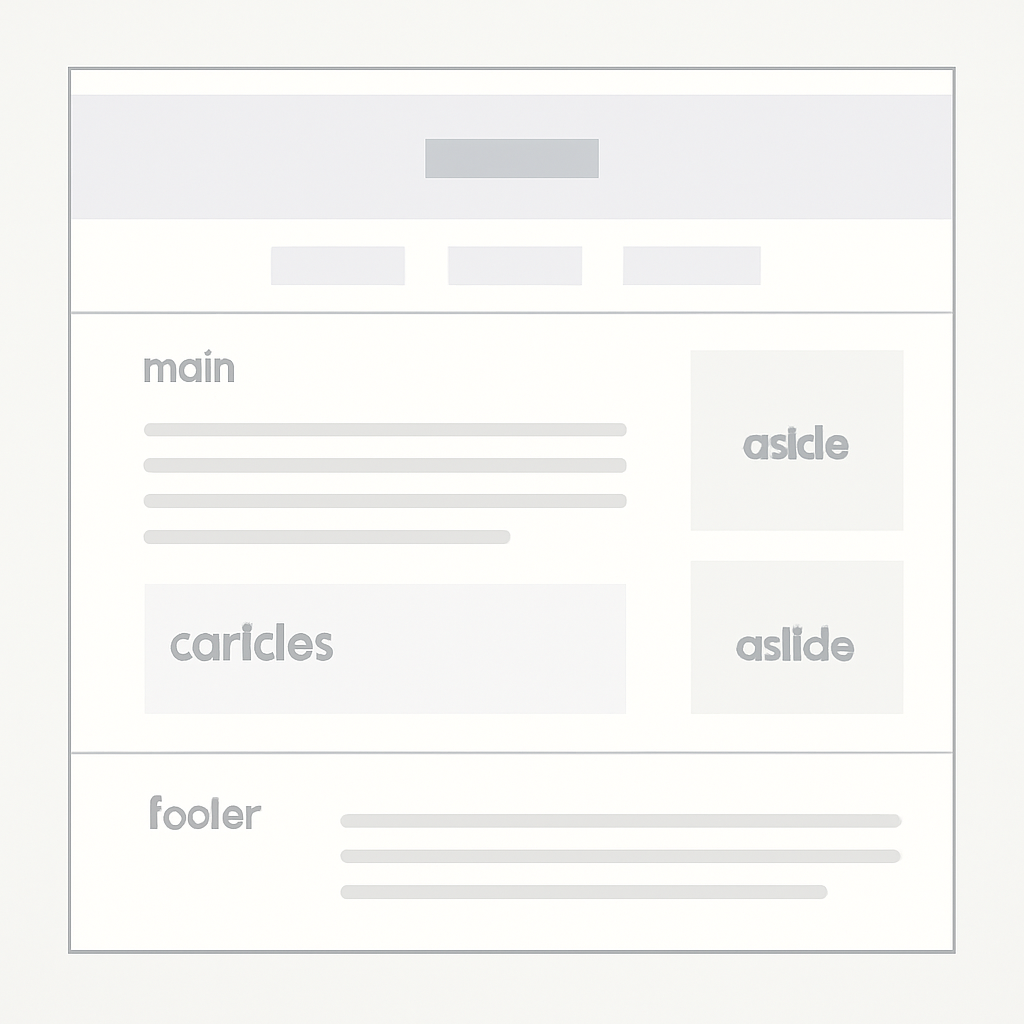
Prefer semantic elements like <header>, <nav>, <main>, <article>, <section>, <aside>, and <footer> over generic <div>s. Use landmark roles, meaningful headings, alt text for images, and form labels so screen readers and keyboard users can navigate easily.
When native HTML does not convey enough information for complex widgets, ARIA (Accessible Rich Internet Applications) roles, states, and properties can improve accessibility—but ARIA should augment, not replace, correct semantic markup. Proper semantic HTML together with considered ARIA usage makes interfaces more robust and interoperable with assistive tools.
Modern HTML features
HTML continues to evolve as a living standard. Modern, widely supported features include responsive image techniques (<picture> and srcset), media controls (<audio> and <video>), improved form controls and input types, the <template> element, and the <dialog> element for simple modals. Web Components (custom elements, Shadow DOM, templates) let you encapsulate markup, style, and behavior into reusable elements that behave like native tags. Use these features where they simplify development and enhance reliability.
Practical best practices
- Use semantic elements and a logical heading order for clearer structure.
- Always provide descriptive
alttext for meaningful images and associate<label>elements with form controls. - Keep markup minimal and let CSS handle layout and presentation; avoid using HTML purely for visual effects.
- Prefer progressive enhancement: make content accessible without JavaScript, then layer interactivity on top.
- Validate your markup with an HTML checker and test with screen readers and keyboard-only navigation to catch real-world issues.
Validation tools check syntax and common accessibility pitfalls; automated checks are helpful, but manual testing with assistive technologies and real users is essential to find issues machines miss.
Getting started and learning
Begin by building simple pages that use headings, paragraphs, lists and images, then add semantic sections and forms. Read the living HTML specification for authoritative rules, and consult learning guides and reference documentation for examples and best practices. Practice small projects—simple blog posts, a contact form, or a responsive photo gallery—to internalize how HTML, CSS, and JavaScript work together.
Good HTML is about clarity: clear structure, accessible semantics, and predictable behavior. Those foundations pay back in faster development, better search visibility, and a more inclusive experience for every visitor.

