
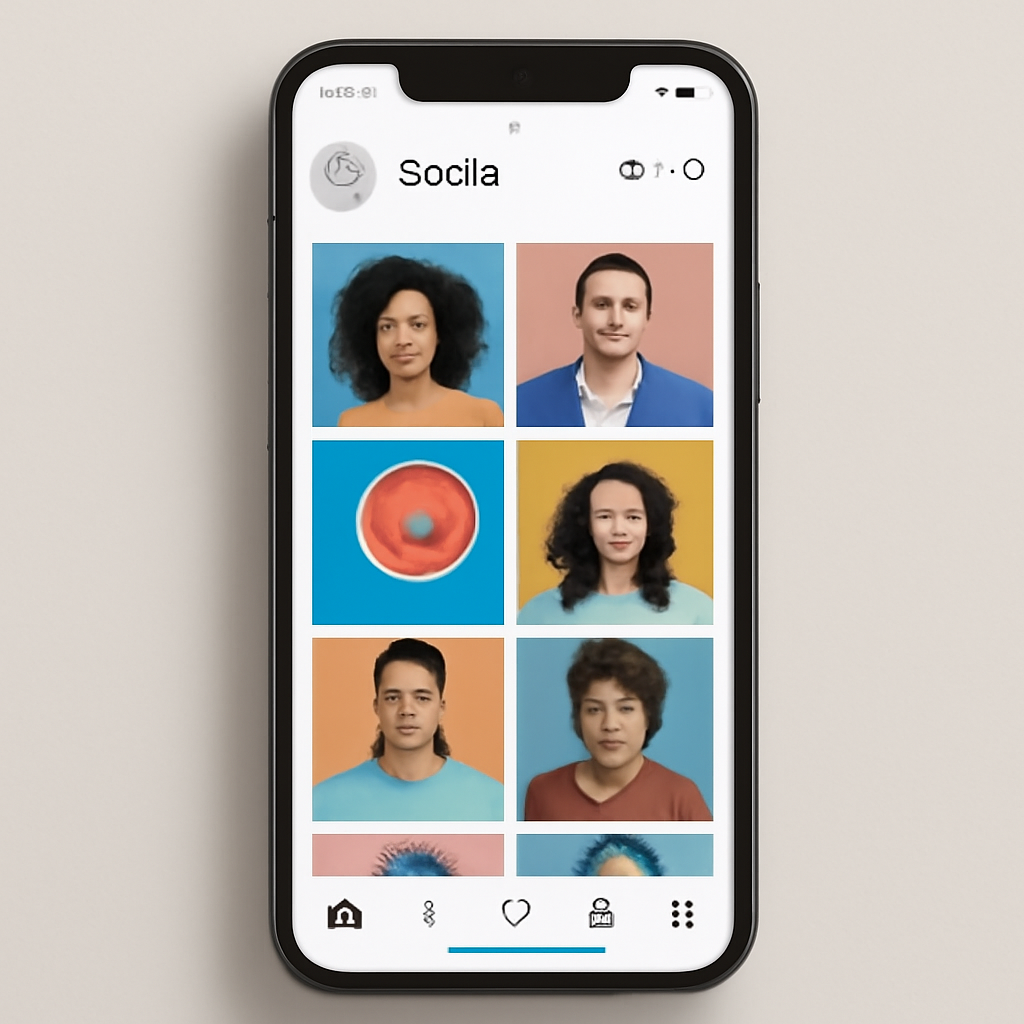
Instagram began as a simple photo-sharing app and has evolved into a broad visual platform where photos, short video, messaging and shopping intersect. Whether you use it to follow friends, build a personal brand, sell products or explore creative work, the app combines a public discovery layer with private messaging and tools for creators and businesses.
Core features and how people use them
Instagram centers on a few content formats: feed posts (images and videos), Stories (disappearing short clips and photos), Reels (short-form, vertically shot video), Live broadcasts, and direct messages. Public posts and Reels can be discovered beyond your followers through Explore and recommendation systems, while Stories and DMs are largely private experiences. Shopping and creator monetization tools let businesses and creators tag products, run ads, sell directly, and receive payments for things like subscriptions or badges.
Account types and who they’re for
- Personal accounts: the default for most users; private-by-default options let you restrict who sees your content.
- Creator accounts: built for influencers and public figures, with tools for audience insights, simplified messaging and monetization options.
- Business accounts: geared to brands and retailers, adding commerce features, ad tools and deeper analytics.
Practical tips for stronger use
- Choose the right account type: switch to Creator or Business if you need analytics, scheduling, or ad tools.
- Match format to goal: use Reels to increase discoverability with short videos, Stories to post timely updates, and Feed posts for evergreen images or longer videos.
- Prioritize quality and consistency: clear visuals, short captions aligned to your audience, and a predictable posting rhythm help people find and follow you.
- Engage authentically: respond to comments and DMs, and use interactive Story stickers to maintain community momentum.
Safety, age rules and parental tools
Most platforms set a minimum age for accounts. Instagram requires users to meet its minimum-age rules (with local variations in some countries) and provides reporting channels for suspected underage accounts. For families, Instagram and its parent company offer a Family Center and parental supervision tools that let caregivers set time limits, receive notifications about new connections, and access educational resources. Built-in privacy settings — like making accounts private, restricting comments, and enabling two-factor authentication — are practical first steps to protect an account.
Thinking about reach and discoverability
Content that’s engaging and tailored to the audience performs best. Short-form video has become a major driver of discovery; creators who experiment with Reels tend to find new viewers more quickly than with feed-only content. That said, nothing replaces relevance: content that solves a problem, entertains, or tells a clear story will travel farther than generic posts.
Final checklist
- Pick the account type that fits your goal (personal, creator, business).
- Enable two-factor authentication and review privacy settings.
- Use Reels and Stories to expand reach, and feed posts for lasting content.
- Set time and notification habits so the platform serves your life, not the other way round.
- If you’re a parent, explore Family Center and supervision tools before a teen starts using the app.
Instagram combines creative tools, private connections, and commerce in one app. Knowing the platform’s formats, account types, and safety features helps you choose the right approach — whether you’re posting for friends, customers, or an audience you hope to grow.

