
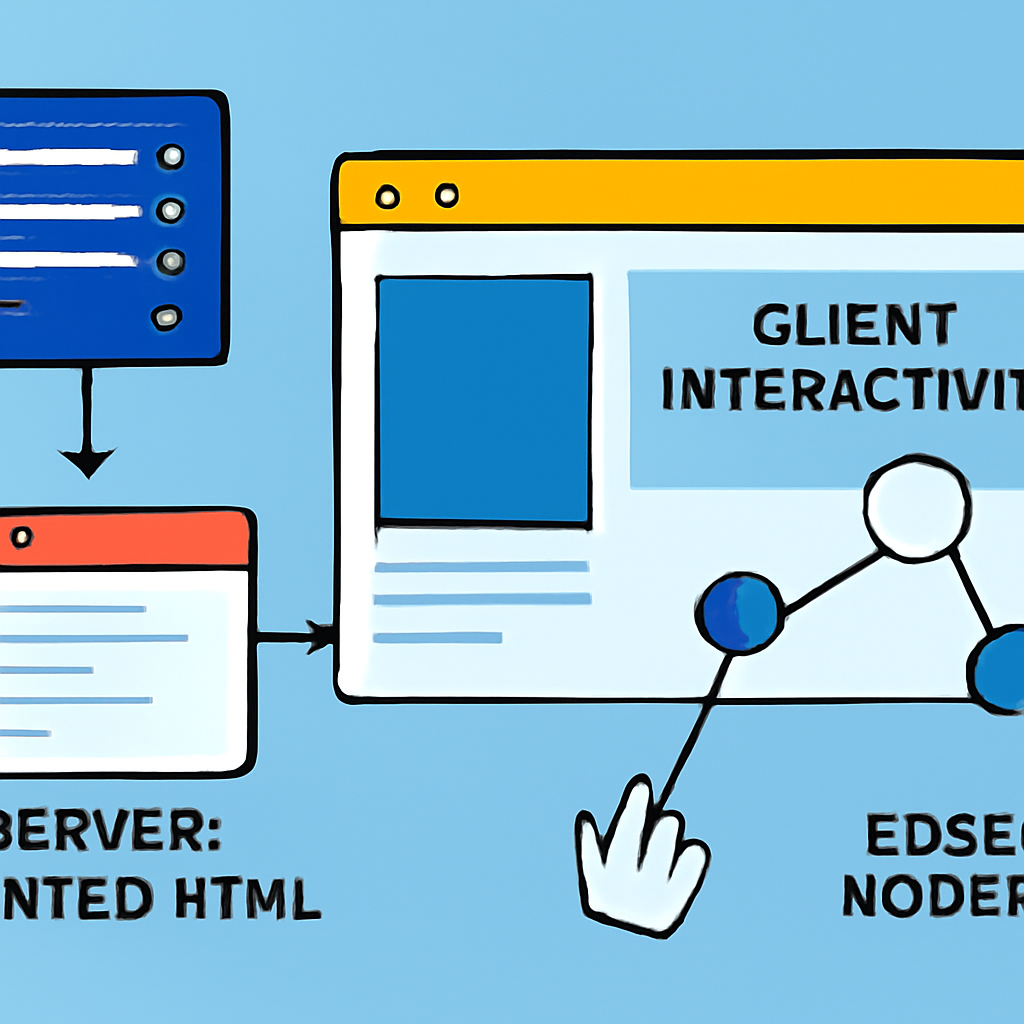
Next.js is a React-based framework that blends frontend UI with server-side capabilities so developers can build fast, production-ready web apps with fewer moving parts. It bundles routing, rendering strategies, and deployment integrations to let teams focus on features rather than wiring separate toolchains.
The App Router is Next.js’s modern routing system and, in that model, components are server-rendered by default. That means your UI can render HTML on the server, send a fast initial response, and selectively hydrate interactive pieces on the client. Server Components reduce client bundle sizes because server-only dependencies never ship to browsers, which improves first paint and reduces bandwidth for users on slow or limited connections.
For data mutations and form handling, Next.js provides Server Actions — functions authored in your component files that run securely on the server. Server Actions simplify common tasks (creating items, writing to databases, handling uploads) without requiring a separate API route; they integrate with the App Router’s caching and revalidation utilities so updates and optimistic UI patterns are easier to implement.
Rendering in Next.js supports multiple strategies so you can choose the best trade-off per route: static rendering for CDN-delivered pages, server-side rendering for per-request personalization, and streaming for progressively delivering a page as its content becomes ready. There’s also a direction toward partial prerendering: serving a static shell immediately while streaming dynamic fragments into place to get fast perceived load times without losing personalization.
Local development and build performance have been a focus. A Rust-based compiler and the Turbopack engine improve dev server startup and hot updates, which matters most on large projects with many files. These tooling improvements aim to reduce feedback loop time when iterating locally.
Next.js supports an Edge runtime designed for low-latency server code close to the user, but it intentionally exposes a narrower set of APIs than a full Node.js environment. Some Node-only packages and certain features are incompatible with Edge runtime execution, so choose the Edge for latency-sensitive logic and simple request handling, and prefer the Node runtime when you need the full Node ecosystem or features that depend on it.
Practical guidance: use the App Router and Server Components when you want smaller client bundles and faster initial renders; use Server Actions to simplify mutations and reduce client-server wiring; pick streaming or partial prerendering for pages that combine static layout with dynamic fragments (e.g., product listings plus a personalized cart). For highly dynamic or third-party heavy server logic, prefer the Node runtime instead of Edge to avoid runtime mismatches.
Migration and testing tips: adopt an incremental approach—start by using the App Router for new routes, keep stable Pages Router routes until you can migrate them, and add tests that cover both server-only logic and client interactivity. Monitor bundle sizes and cold-start times in staging, and test Edge and Node runtimes against the third-party packages you depend on before switching production traffic.
Next.js is best thought of as an integrated toolkit that elevates server-rendered React: it gives explicit building blocks for modern rendering patterns while evolving tooling to keep developer feedback fast. With careful choice of runtime and rendering strategy, it can support everything from content-heavy marketing sites to interactive full-stack applications.

