
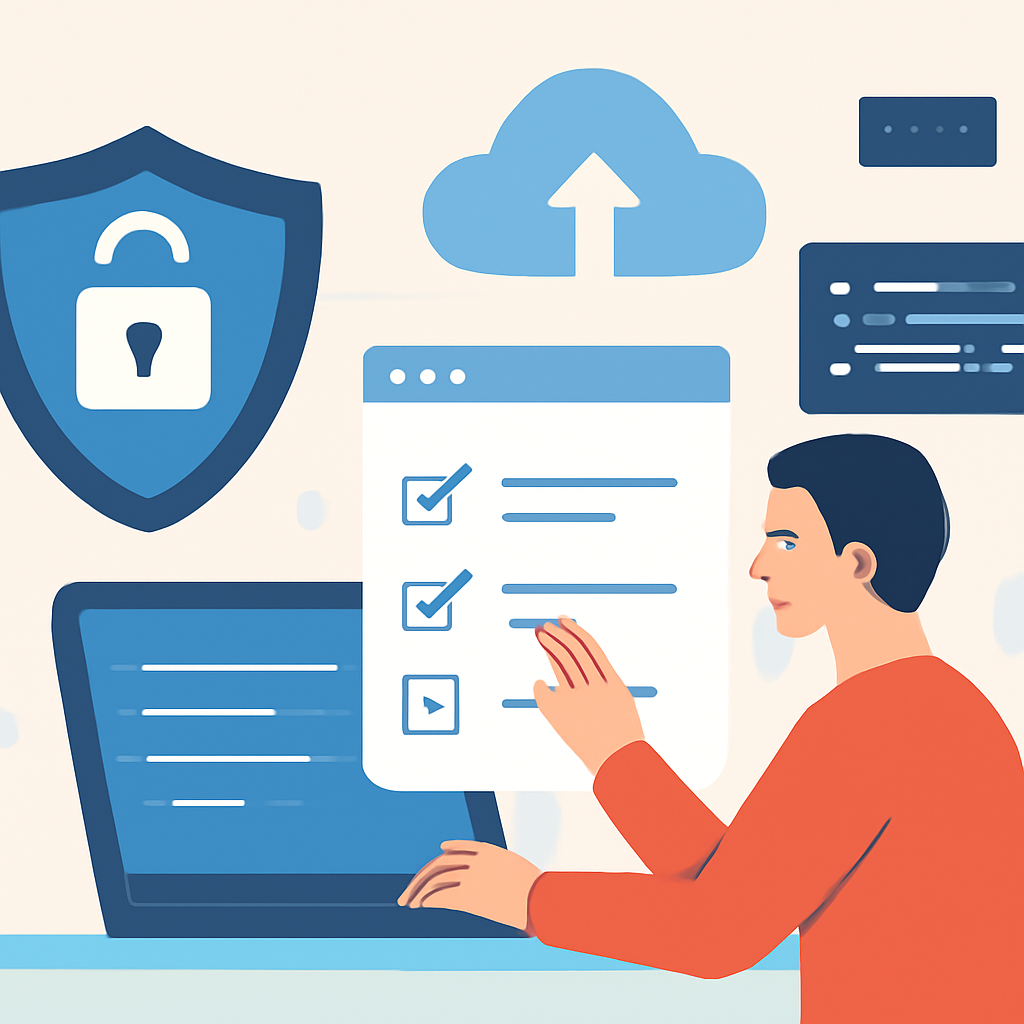
Security isn’t just an IT problem — it’s a set of everyday habits that make digital life safer. A few focused practices reduce the vast majority of common risks: protect accounts, keep software current, limit exposure, and prepare to recover. Below is a concise, practical checklist you can apply whether you’re an individual, a freelancer, or running a small organization.
Understand the threats
Attackers exploit weak or reused credentials, unpatched systems, and social engineering (especially phishing). In recent industry analyses, exploitation of software vulnerabilities and social-engineering-assisted access remain major breach vectors, and threat actors increasingly use automation and AI to scale attacks.
Five essential defenses
- Use multi-factor authentication (MFA). Require a second factor on all important accounts. Prefer phishing-resistant methods (hardware tokens or platform authenticators) when possible; push-based mobile prompts are better than single-factor passwords but can be phishable. MFA dramatically reduces account takeover risk.
- Adopt long unique passwords or a password manager. Permit and encourage long passphrases (supporting 64+ characters) and avoid reuse across services. Password managers make unique high-entropy credentials practical and reduce the damage from credential leaks.
- Keep software and components patched. Apply updates for operating systems, applications, and third-party libraries promptly — many intrusions start with known, unpatched vulnerabilities. For web and API developers, follow secure-coding checklists and prioritize fixing the most severe vulnerabilities first.
- Back up and test recovery. Maintain automated, encrypted backups that are isolated from production systems (so ransomware can’t reach them). Regularly verify restores and document a short incident-playbook describing who to call and steps to recover. Backups and recovery tests make attacks recoverable rather than catastrophic.
- Train for phishing and reduce attack surface. Run brief, regular training on phishing recognition; use email protections (spam filtering, sender policy framework/DKIM/DMARC) and minimize exposed services. For web-facing applications, use the Top 10 application-risk framework to guide testing and remediation.
Practical operational steps
Start small and iterate. Create an inventory of critical assets (accounts, devices, and services), apply MFA and unique credentials to the highest-risk accounts first (email, financial, administrative), automate updates where safe, and schedule weekly or monthly checks that backups completed successfully. Maintain a short incident response note with restore steps, key contacts, and where backups are stored.
When to get expert help
If you detect signs of compromise (unexpected account changes, unknown installations, or evidence of data exfiltration), disconnect affected devices from networks, preserve logs if possible, and escalate to an IT professional or incident responder. For organizations handling sensitive data, consider periodic third-party assessments or managed security services to maintain defenses you can’t staff full time.
Why these steps work
Most breaches combine a small number of weaknesses: exposed or stolen credentials, unpatched flaws, and successful social engineering. Focusing on authentication hardening, patch discipline, backups, and targeted user protections reduces the probability of a successful attack and limits damage if one occurs. These controls are repeatable, measurable, and accessible to non-experts — making cybersecurity an operational habit rather than a one-time project.
Adopt the checklist incrementally: pick one control per week (MFA, then password manager, then backups) and build a simple playbook. Consistent, practical hygiene is the best return on limited security budgets.

