
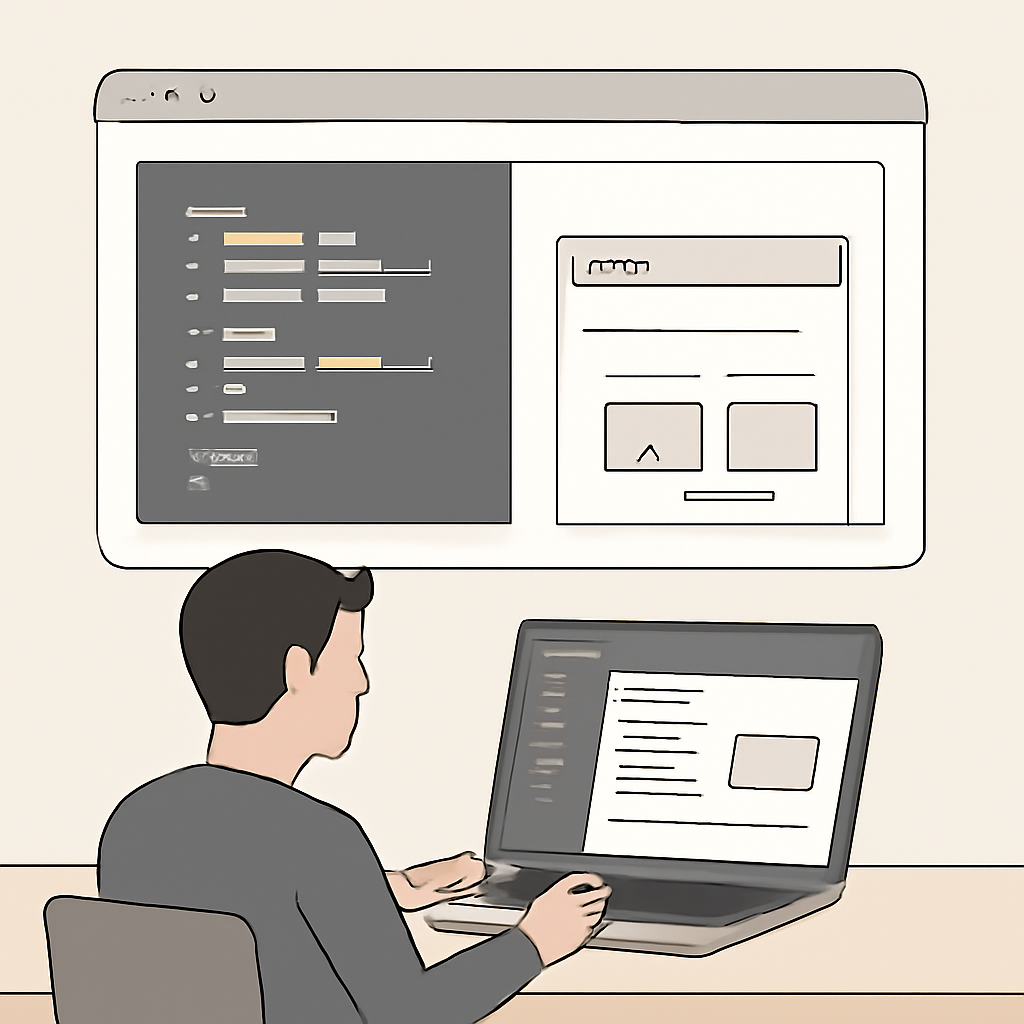
React is a JavaScript library for building user interfaces by composing small, reusable pieces called components. Rather than imperatively changing the DOM, you declare what the UI should look like for a given application state and let the library update the DOM efficiently. That declarative, component-driven model is the foundation of how modern web apps are structured.
Core concepts
Understanding a few fundamental ideas makes working with React much easier:
- Components — Self-contained pieces of UI that accept inputs (props) and return what should be rendered. Components can be nested and composed into larger interfaces.
- JSX — A JavaScript syntax extension that looks like HTML. It’s syntactic sugar for calls that build element trees; toolchains transform it into plain JavaScript before running.
- Props and state — Props are immutable inputs passed from parent to child; state is local, mutable data owned by a component. State changes trigger re-renders of the impacted component subtree.
- Virtual DOM and reconciliation — React maintains an in-memory representation of the UI and computes the smallest set of changes necessary to update the real DOM, which reduces expensive DOM work.
Hooks and the functional style
Hooks let function components use state, lifecycle effects, refs and other features that previously required class components. Common built-in hooks include useState, useEffect, useRef and useReducer. Hooks encourage splitting logic into reusable units and make component code more predictable and testable.
Rendering patterns: client, server, and streaming
React supports different rendering models depending on application needs:
- Client rendering: The usual model where JavaScript runs in the browser and mounts the UI.
- Server rendering: HTML is produced on the server to improve initial load and SEO; the client hydrates to become interactive.
- Server Components and streaming: Server Components let some rendering and data fetching happen on the server without shipping that component’s JavaScript to the client. Streaming enables progressively sending HTML to the browser for a faster perceived load.
Concurrency, Suspense, and graceful loading
Modern React includes scheduling and concurrency features that separate urgent from non-urgent updates. Suspense is a model for handling loading states declaratively: a component can “suspend” while data or code loads and allow parent boundaries to show fallbacks. These features improve responsiveness and let apps coordinate loading behavior more predictably.
What changed recently (modern releases)
Recent major releases refined the rendering model and added primitives for server-driven behavior. Key themes are better server/client coordination, APIs for small server-driven actions, improved hydration and streaming, and tooling (compiler support) that can optimize common patterns at build time. Upgrade guides and release notes explain migration steps and deprecations for libraries that depend on internal internals.
When to choose React and practical tips
React is a solid choice when you need component reuse, predictable UI updates, and a rich ecosystem of tools and libraries. Keep these practical tips in mind:
- Favor small, focused components and lift state only when multiple components need it.
- Prefer hooks for new code; they simplify logic reuse and testing.
- Use Suspense and server patterns to speed initial loads, but test hydration behavior across browsers.
- Avoid relying on React internal implementation details—stick to public APIs to remain upgradeable.
React’s design balances a simple mental model—UI as a function of state—with powerful rendering and tooling advances that let teams ship fast, accessible, and maintainable interfaces. Learning the core concepts and the modern rendering options will let you make pragmatic choices for performance and developer productivity.

