
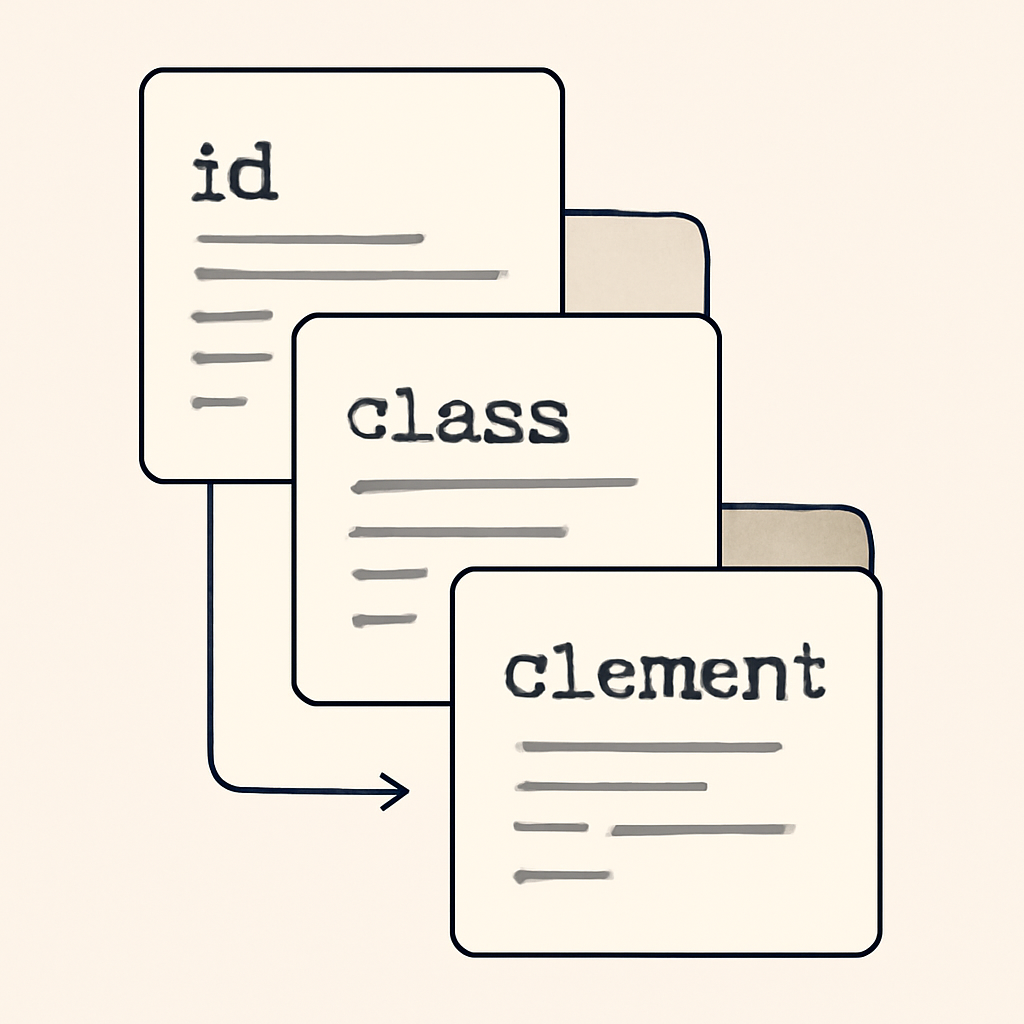
Conflicts between CSS rules are inevitable as projects grow. The cascade and specificity are the two core concepts browsers use to decide which CSS declarations apply to an element. Learning how they interact will save debugging time and keep stylesheets maintainable.
What the cascade does
The cascade is the algorithm that merges declarations coming from multiple sources and chooses a single value for each property on an element. Declarations have an origin (user-agent, user, or author), an importance flag (normal or !important), and a place in a possible cascade layer. The cascade first orders declarations by origin and importance, then by layer and finally by selector specificity and source order when needed.
How specificity is calculated
Specificity is a numeric weight computed from the selector. Think of it as several buckets (commonly expressed as three values):
- Inline style presence (highest weight within author origin).
- ID selectors count.
- Classes, attributes, and pseudo-class selectors count.
- Type selectors and pseudo-elements count (lowest weight).
When multiple rules from the same origin and layer apply, the declaration with the higher specificity wins. If specificities are equal, the one appearing later in the cascade (source order or layer ordering) wins.
Where !important fits
The !important annotation gives a declaration greater precedence than normal declarations from the same origin and layer. However, origin still matters: a user stylesheet’s important declaration can override an author stylesheet’s normal declaration, and order among important declarations is resolved by the same rules (origin, layer, specificity, then order). Overuse of !important damages maintainability; prefer clear layering, low selector weight, or explicit cascade layers instead.
Modern features that change the game
Cascade layers (@layer) let you group and order stylesheet sources so that entire sets of rules can be given controlled precedence. That makes integrating third-party styles or theme systems safer because you can keep your project’s base styles in a layer that higher-priority code can’t accidentally override without explicit layering.
Functional pseudo-classes also affect specificity behavior. For example, a matches-any pseudo-class (like :is()) takes on the specificity of its most specific argument, while a specificity-adjustment pseudo-class (like :where()) deliberately contributes zero specificity. These selectors help reduce duplication without inflating specificity weight.
Practical rules of thumb
- Keep selectors simple: prefer classes over long chains of type selectors and IDs when possible.
- Avoid IDs for routine styling if you anticipate overrides; they add a lot of specificity.
- Use
@layerto isolate vendor or third-party CSS from your main theme rules. - Use
:where()when you want to add conditional filters without increasing specificity. - Reserve
!importantfor true emergencies (usually for user accessibility overrides) and document its use when necessary.
Quick debugging checklist
- Is the rule in the expected origin or layer? (author vs vendor vs user agent)
- Does an
!importantdeclaration exist elsewhere for the same property? - What is the selector’s specificity? Count IDs, classes/attributes/pseudo-classes, and types/pseudo-elements.
- If specificities match, which rule appears later in the stylesheet or higher in the cascade layer order?
Understanding how origin, importance, layers, specificity, and order combine will let you design CSS that’s predictable and resilient as a project grows. When conflicts arise, systematically walk through the checklist above and you’ll usually find the reason a style is winning.

