
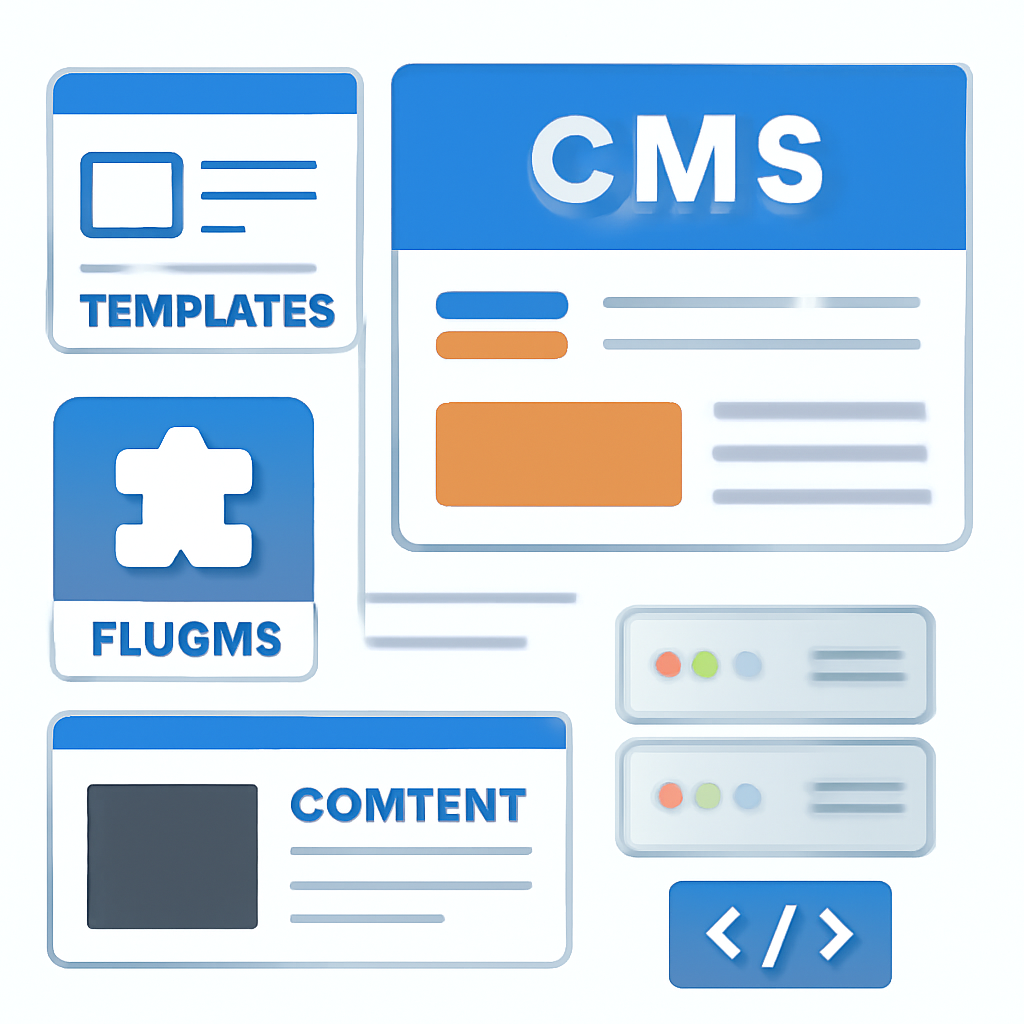
Joomla is an open-source content management system (CMS) used to build websites and web applications. It combines a PHP-based framework with a modular extension system so site owners can add features — from simple blogs and brochure sites to more complex portals and multi-language installations — without building everything from scratch.
How Joomla is structured
At its heart Joomla runs on PHP and stores content in a relational database. The platform follows an MVC-style architecture and is designed around four common extension types:
- Components — the larger feature units that drive most page functionality (for example a forum or e-commerce engine).
- Modules — lightweight blocks that display around the component area (menus, latest articles, login blocks).
- Plugins — event-driven code that hooks into the system to extend or change behavior.
- Templates — control the HTML/CSS structure used to render the frontend and backend.
What to know about versions and releases
Joomla follows a regular release strategy with predictable minor updates and two‑year major release cycles. Major releases focus on cleaning up deprecated code and improving architecture; minor releases provide scheduled feature and security fixes. Projects and sites generally run the current major series, while the previous major series may remain supported for security and bugfix updates for some time.
Server and compatibility basics
To run modern Joomla versions you need a web server (Apache, Nginx, or IIS), PHP and a supported SQL database. Current recommended and supported minimums are in the PHP 8.x series (the project lists PHP 8.3 as the minimum supported version for the recent major series and recommends newer 8.4+ releases), and database support typically includes recent MySQL, MariaDB and PostgreSQL releases. Joomla also expects a set of PHP extensions (for example json, simplexml, dom, zlib and GD) and recommends at least 256MB of PHP memory for production sites.
Practical upgrade and maintenance tips
- Always test upgrades on a staging copy of your site first. That lets you find extension, template, or database issues without affecting visitors.
- Back up both files and the database before making any upgrade. Automated backups plus a restore test habit will save time when an update goes wrong.
- Check extension compatibility: many third‑party extensions need updates to work with a new Joomla major release. Use compatibility information from extension maintainers or test in staging.
- Keep PHP and your database engine up to date within the supported range. New PHP versions improve security and performance, but confirm compatibility with your extensions.
- Enable automatic security updates where appropriate, and apply minor security and bugfix releases promptly. Minor releases are the main channel for fixes.
- Harden your installation: disable file editing, use strong admin passwords, limit backend access by IP where possible, and use HTTPS everywhere.
When to choose Joomla
Joomla is a strong choice when you want a balance between ready-made content handling and flexible architecture: it’s more structured out of the box than some simpler blogging platforms, yet extensible enough for larger custom projects without building a bespoke CMS. The platform’s multilingual support, ACL (access control) features and extension ecosystem make it suitable for agencies, non-profits and organizations that need structure plus flexibility.
Whether you’re building a new site or maintaining an existing one, start with a recent, supported Joomla release, plan upgrades conservatively, and keep hosting and extensions within the project’s recommended technical requirements to reduce risk and improve performance.

